Wearlook adds a virtual fitting room to any WordPress or WooCommerce store. Shoppers upload a photo and see the garment on their own body — instantly, in their browser.
Free forever · no account · works on any WordPress site
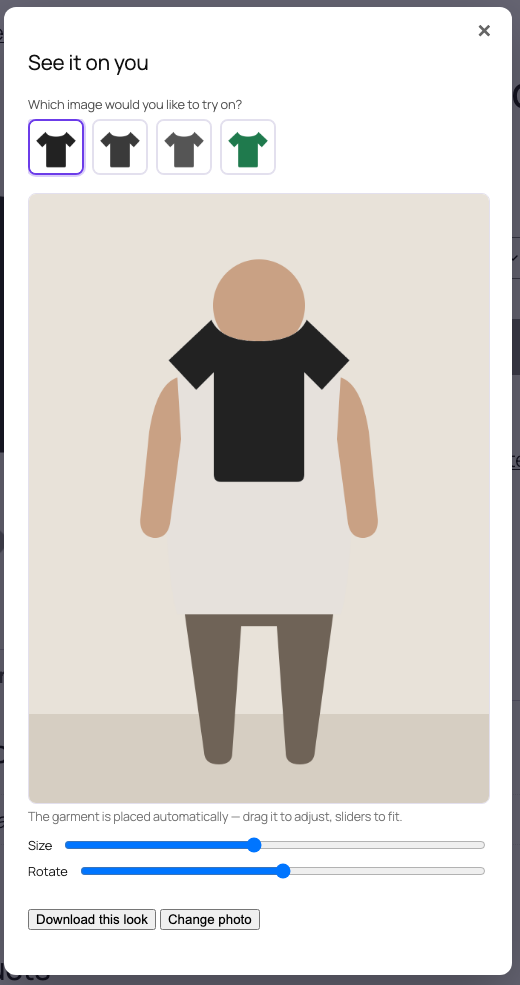
Pick an image…
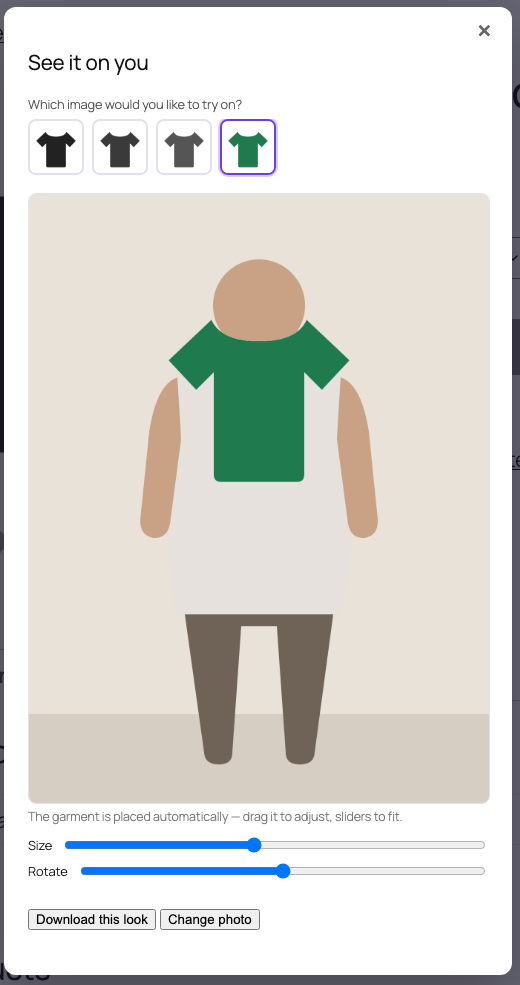
…switch colour in one tap
Watch
No sound needed — every step is captioned.
How it works
Install the plugin and a “Try It On” button appears on your products. There is nothing to configure and no key to paste.
Add Wearlook from WordPress.org. On WooCommerce the button appears automatically; anywhere else use the [wearlook] shortcode.
They tap “Try It On” and choose a photo of themselves. It is read straight from their device — nothing is uploaded.
The background is removed and the garment is placed on their body. They drag, resize and rotate for the perfect fit, then save the look.
New in 1.2
Products photographed from several sides — or sold in several colours — now let the shopper choose exactly which image to try on.
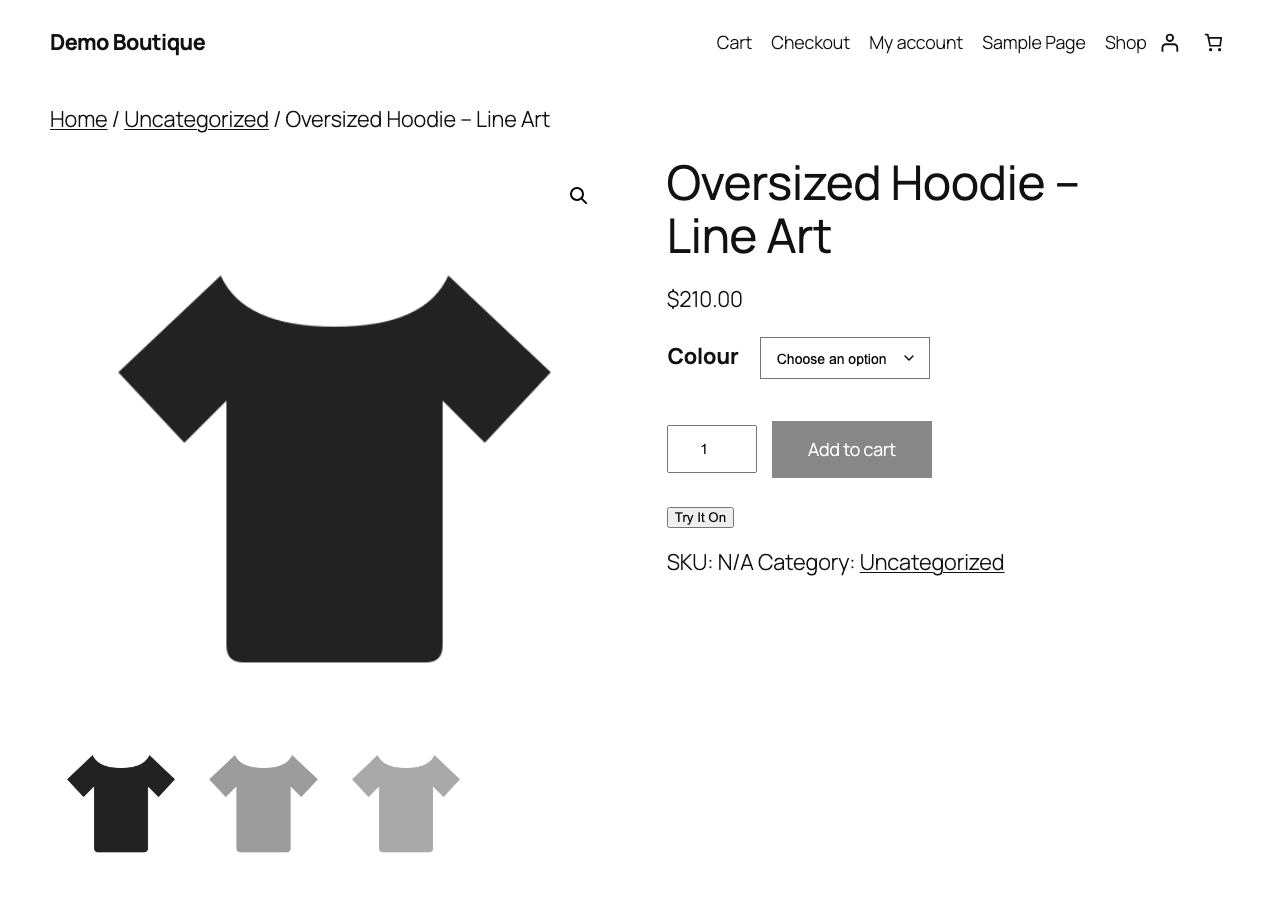
The button sits with your product, in your theme
Privacy
The fitting room runs entirely in the shopper's browser. No upload, no server, no storage — which means no privacy policy headaches for you, and no reason for a shopper to hesitate.
The garment is composited on the shopper's own device using their browser. Wearlook has no copy of it.
Close the tab and it is gone. There is no account, no profile and no tracking attached to the fitting room.
Disable try-on per product, change the button wording, and remove it entirely at any time.
Optional · new in 1.3
The free fitting room places the garment on the photo. For a photorealistic result — where the AI genuinely re-dresses the person — connect an AI engine with your own API key.
Each visitor can be capped per hour, so nobody can run up your provider bill.
See the demo →# Or call the same try-on from anything — an app, Shopify, a script curl -X POST https://your-server/api/v1/tryon \ -F "person_image=@shopper.jpg" \ -F "garment_image=@tshirt.jpg" \ -F "category=tops" # → { "success": true, "image": "data:image/png;base64,…" }
From a store using Wearlook
I think Wearlook is a fantastic idea and I really like the plugin. I believe the ‘Try It On’ feature has great potential and can provide a really valuable experience for customers.
Free, open source, and installed from WordPress.org in one click.
 Wear
Wear